Full Pharmacy ERP Platform for Multi-Branch Operations

... views
I built a complete ERP platform for pharmacy operations, designed for real-world complexity: multi-branch inventory, regulated purchasing, high-volume POS sales, accounting control, and role-based access security.
This is not a single-module app. It is an integrated business system where each department works in one connected workflow, from procurement to finance to HR.
What The Software Does
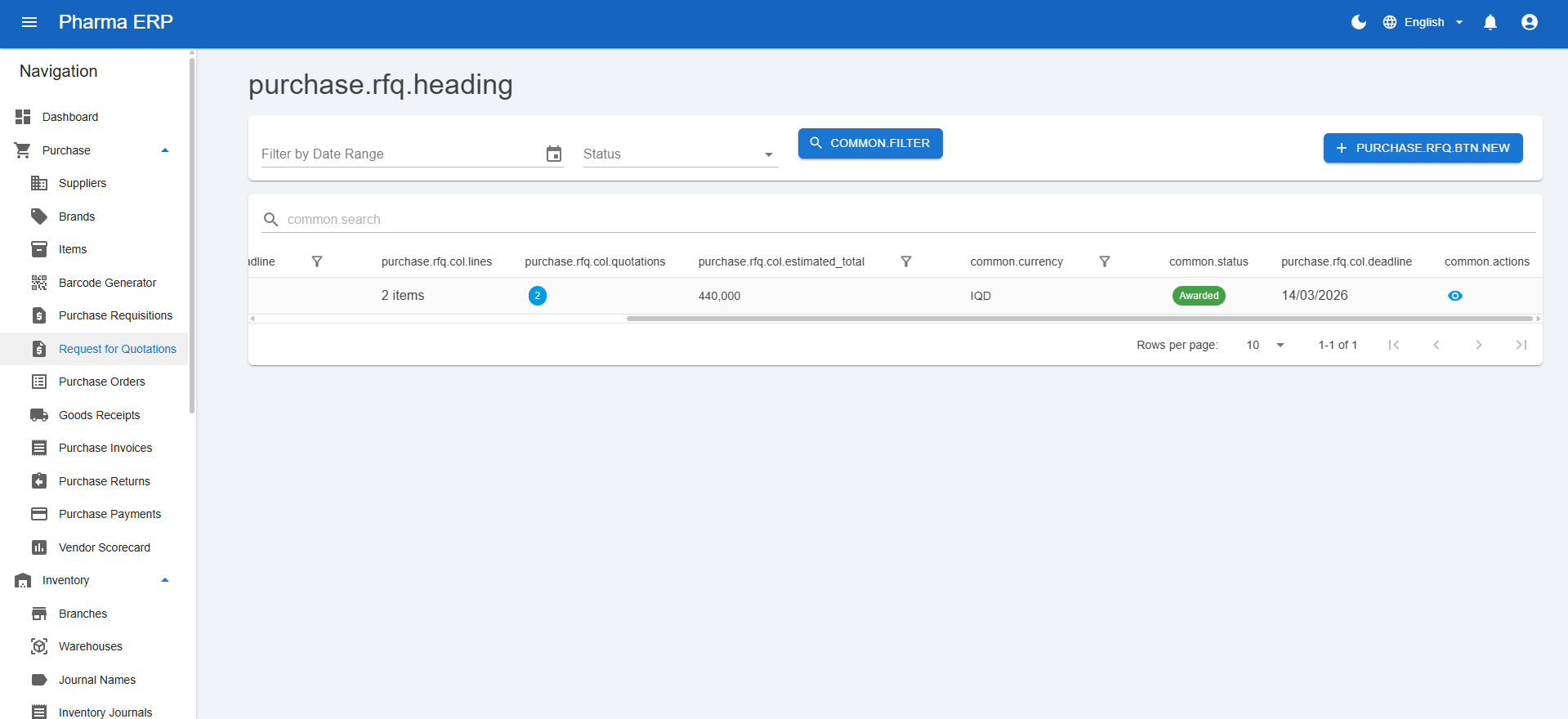
End-to-end procurement
The purchasing flow supports the full chain:
- Purchase requisitions
- RFQs and vendor quotations
- Purchase orders
- Goods receipts
- Purchase invoices
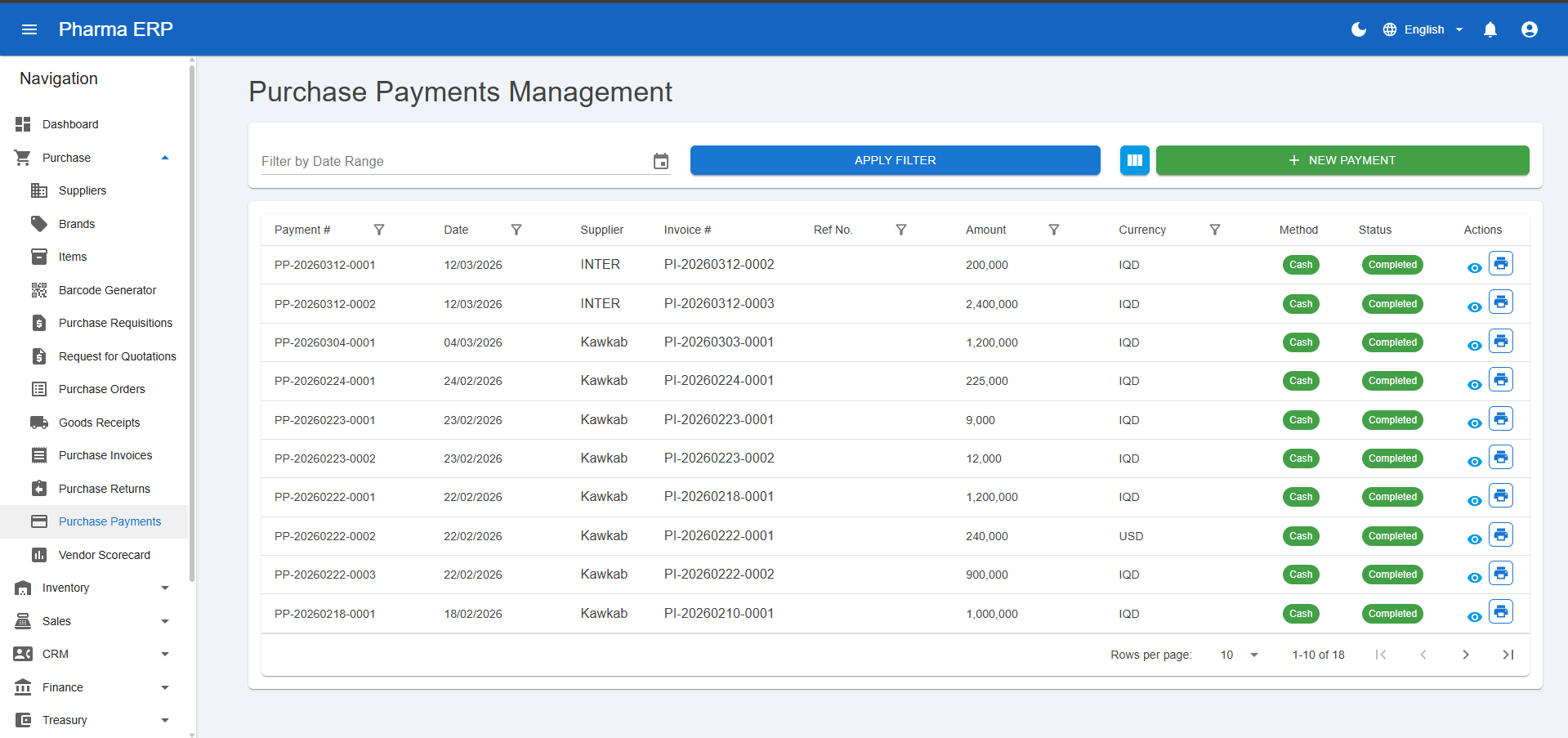
- Returns and supplier payments
It also handles practical pharma scenarios such as batch-level receiving, free quantities, promised gifts, and multi-currency pricing.
Inventory and warehouse control
The inventory module tracks stock across branches and warehouses with operational controls such as:
- Transfer orders between locations
- Inventory journals and adjustments
- Branch stock visibility
- Batch and expiry tracking
- Low stock monitoring
This gives both auditability and real-time movement visibility, which is critical in pharmacy retail and distribution.
Sales and POS
The sales side includes both back-office and frontline workflows:
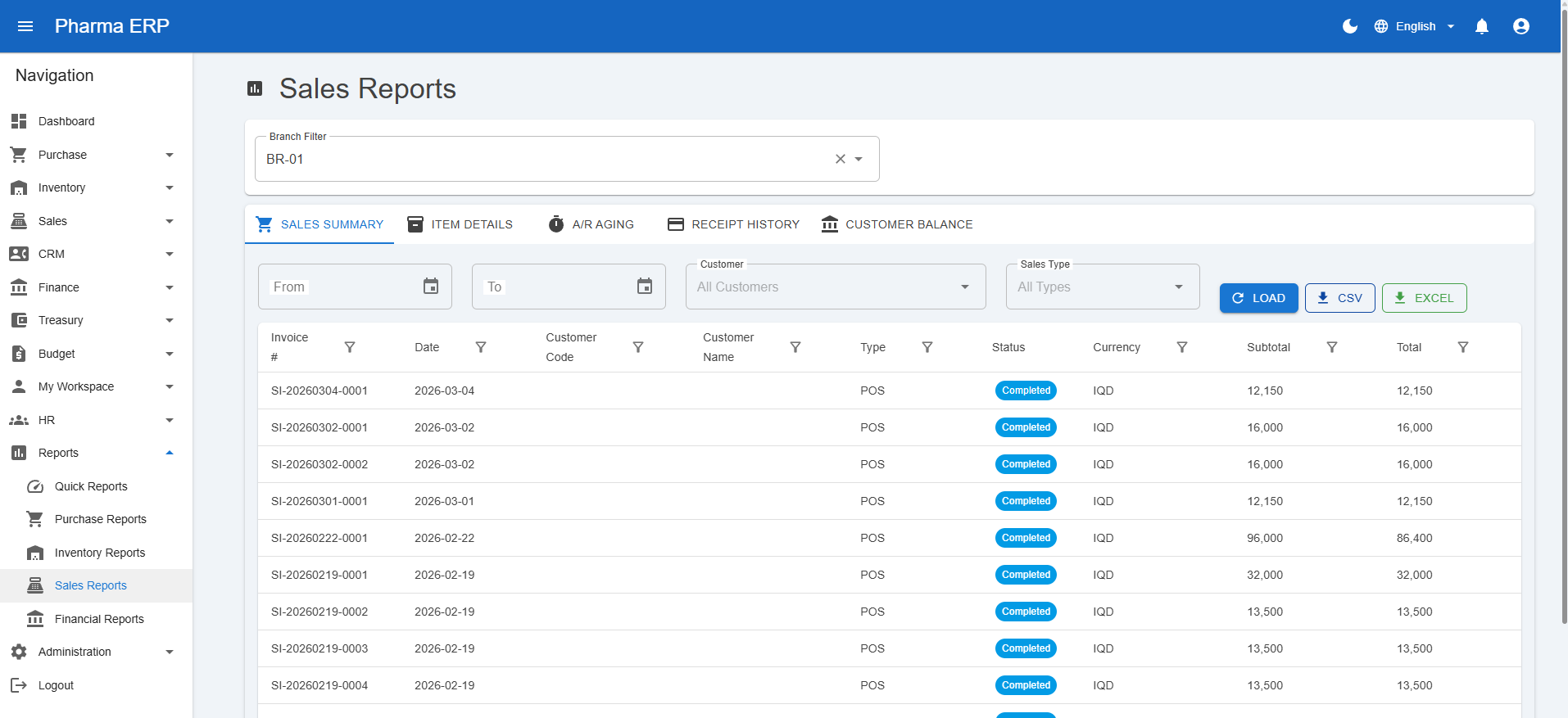
- Quotations, sales orders, and invoices
- Sales returns and receipt allocation
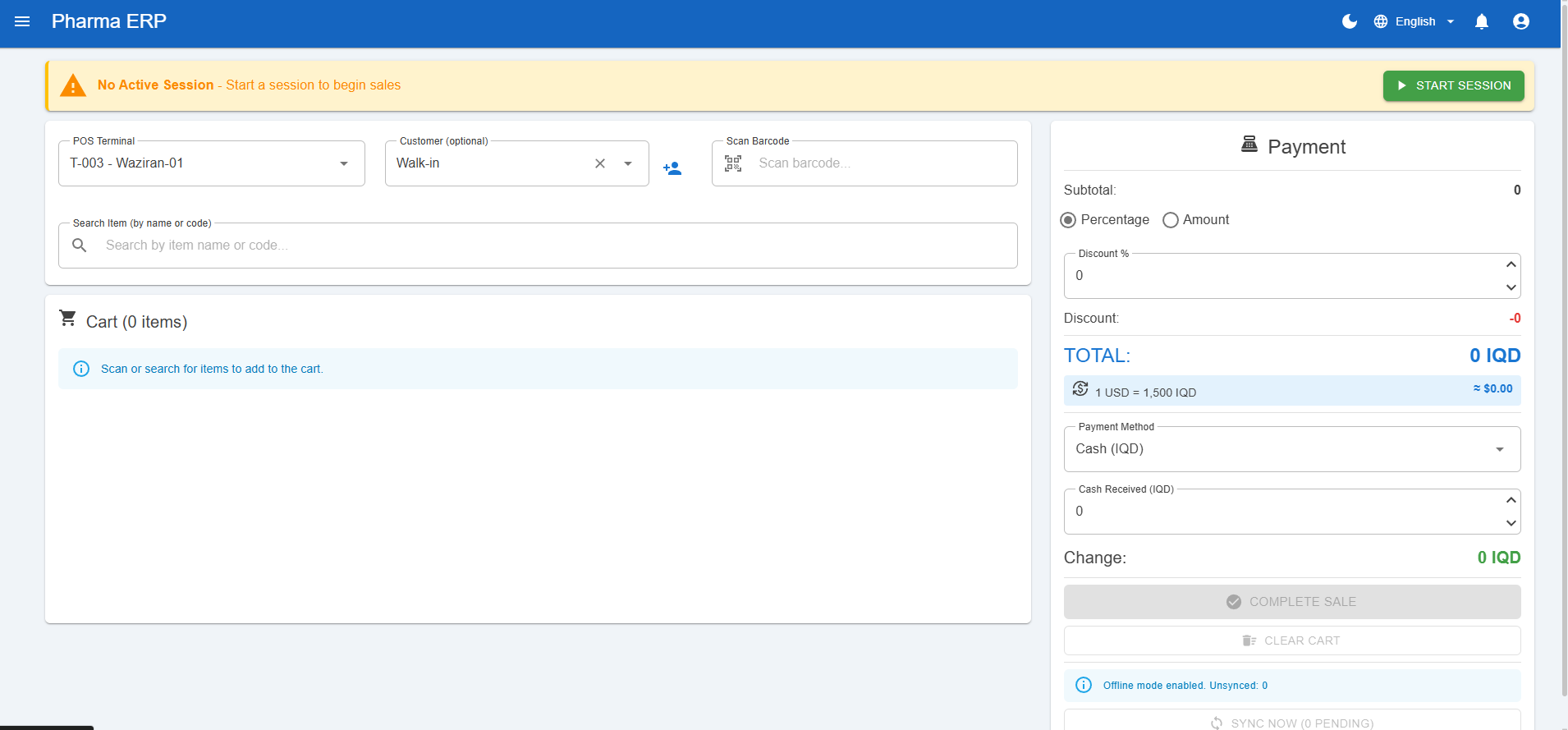
- POS terminals and session management
- Live POS monitoring
- Delivery orders and route planning
This allows teams to serve retail counters and planned customer deliveries in one system.
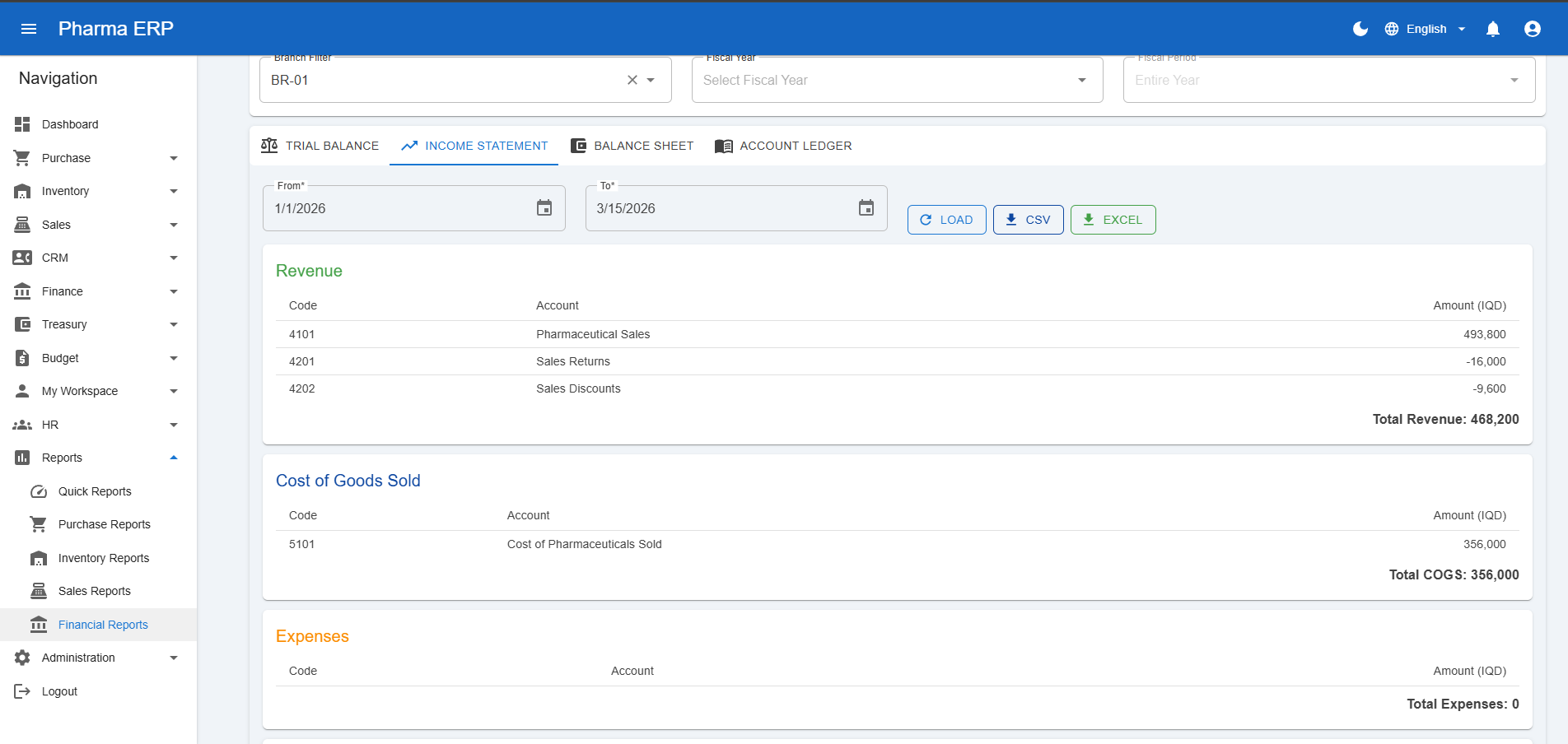
Finance with approval workflows
The finance module is built around control and traceability:
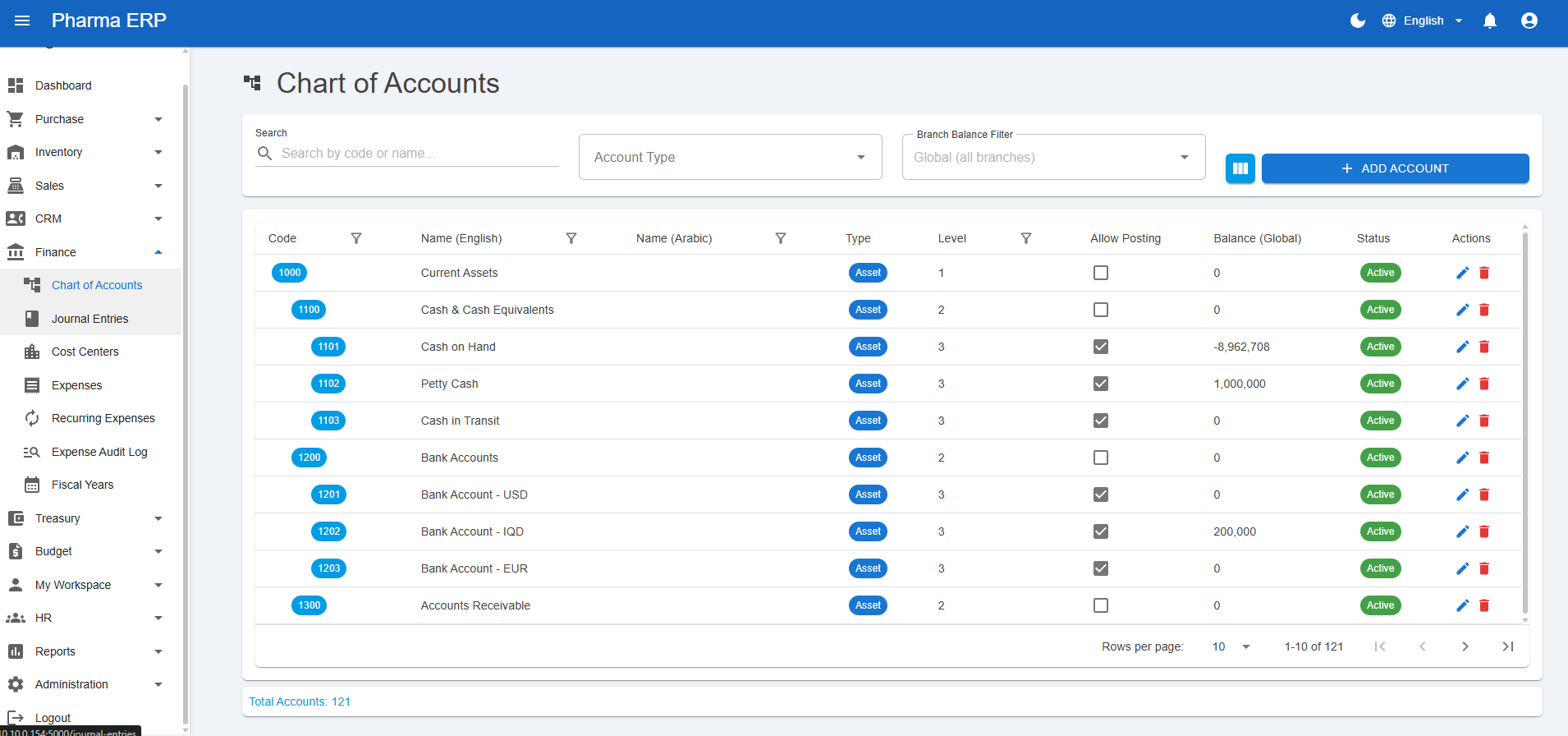
- Chart of accounts
- Journal entries
- Cost centers
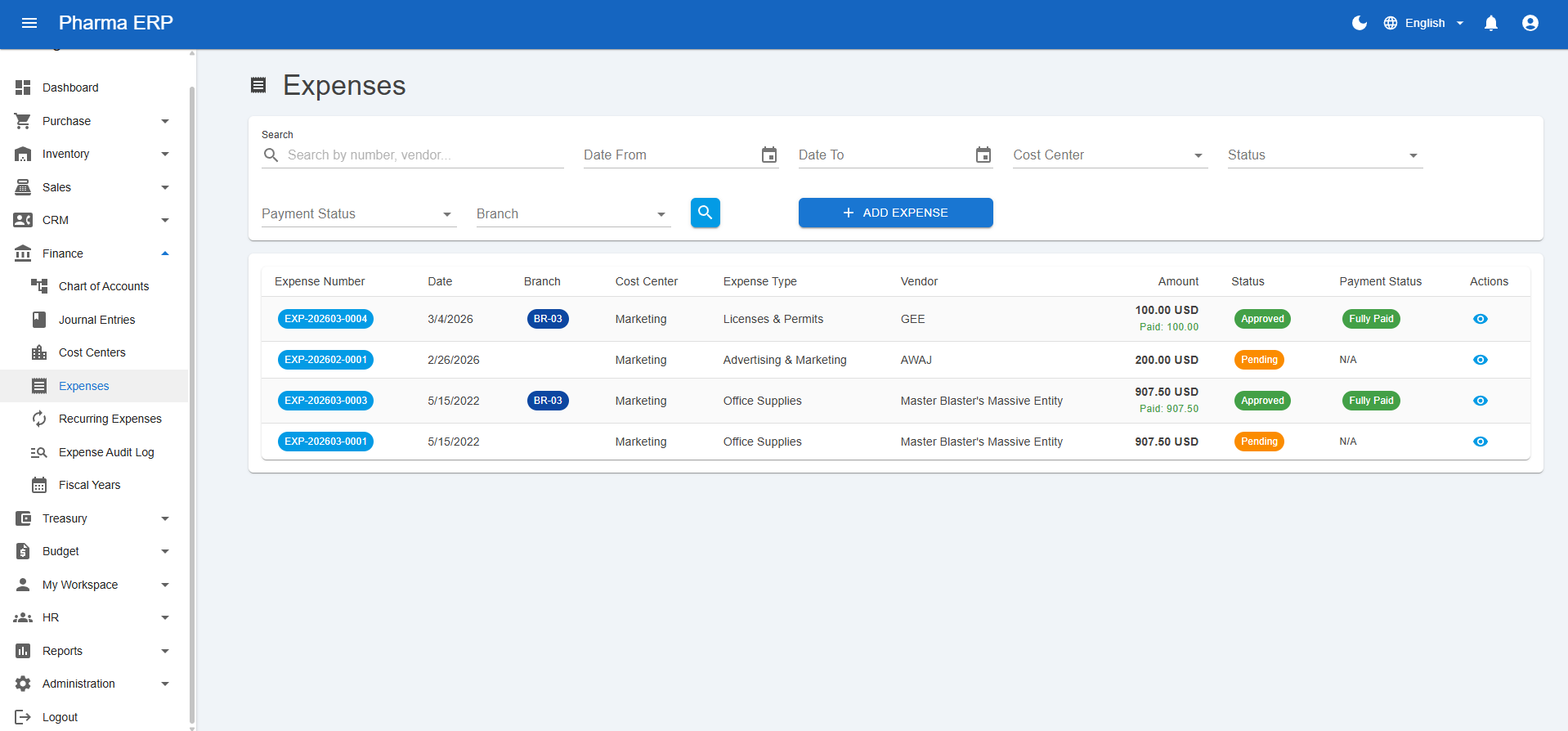
- Expense management
- Recurring expenses
- Fiscal years and fiscal periods
A key feature is multi-step approval chains for expenses, with rule-based routing and accounting integration so approved expenses flow into proper journal entries.
Treasury and budget management
Beyond classic accounting, the platform includes:
- Cash accounts and bank accounts
- Cash and bank transactions and transfers
- Bank reconciliation
- Budget planning and budget-vs-actual tracking
- Variance and project budget views
This helps leadership move from bookkeeping to financial planning.
HR and internal operations
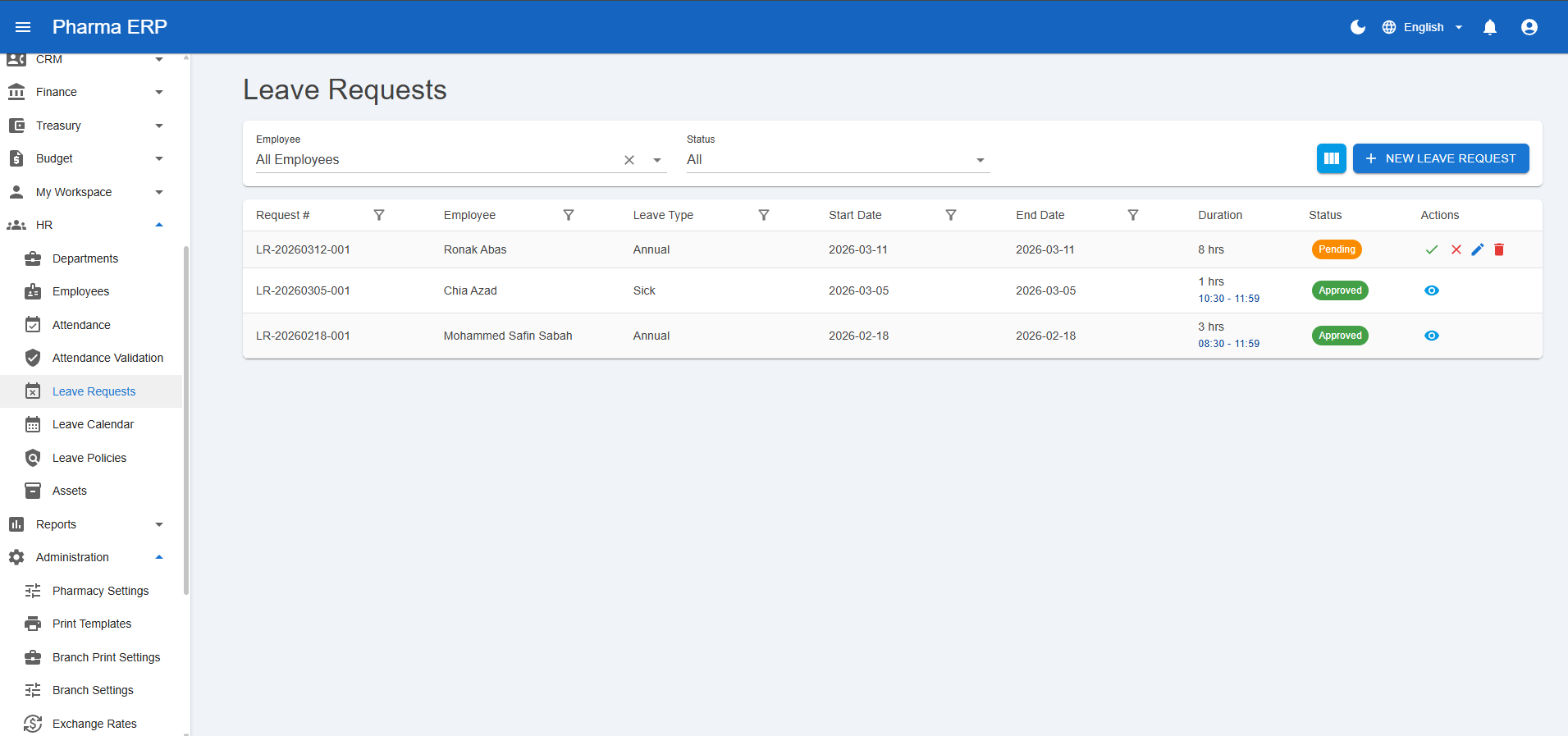
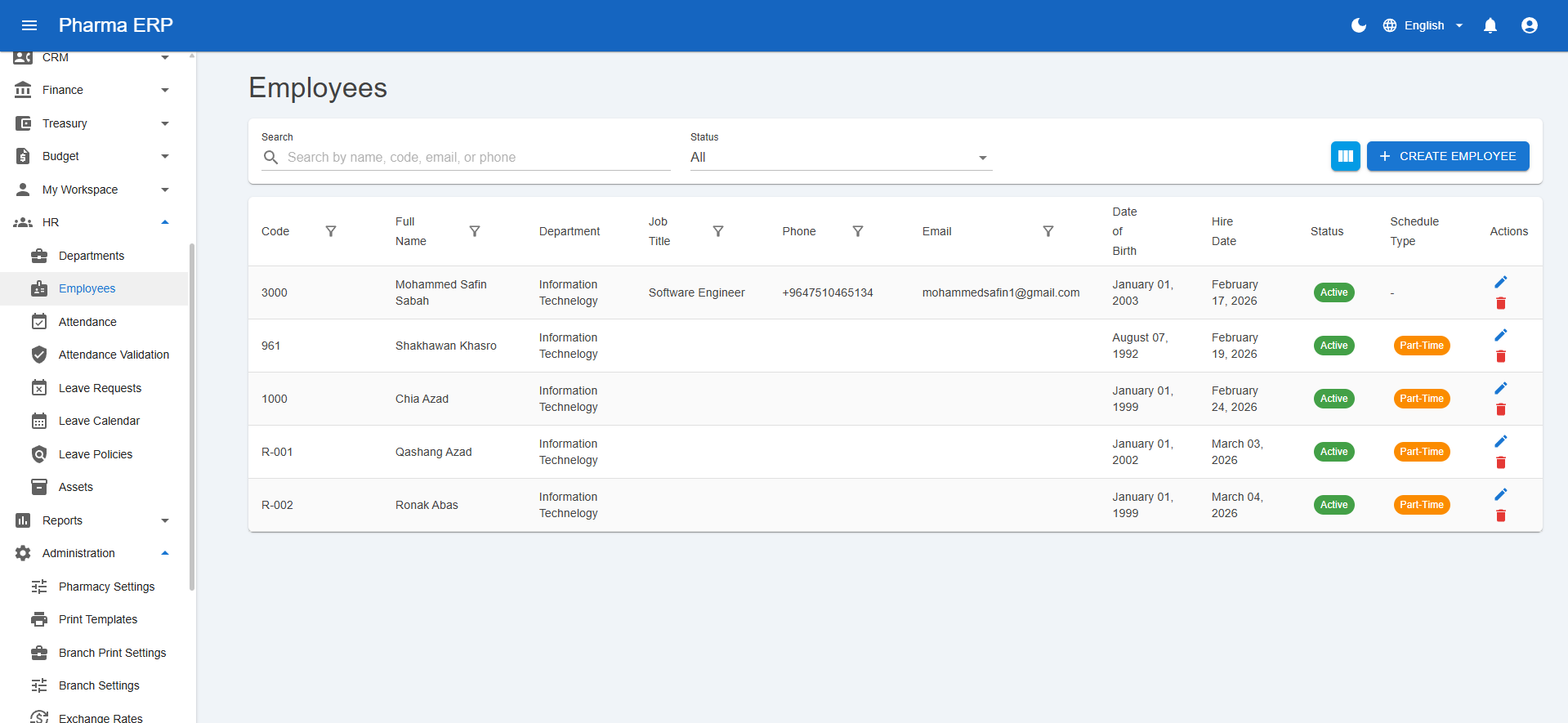
The HR workspace includes:
- Departments and employees
- Attendance and validation
- Leave requests, leave calendar, and policy management
- Asset assignment and maintenance records
- Personal self-service workspace (clock-in and leave tools)
This reduces operational fragmentation by keeping people operations in the same platform.
Operations support features
The platform also includes practical operational tooling:
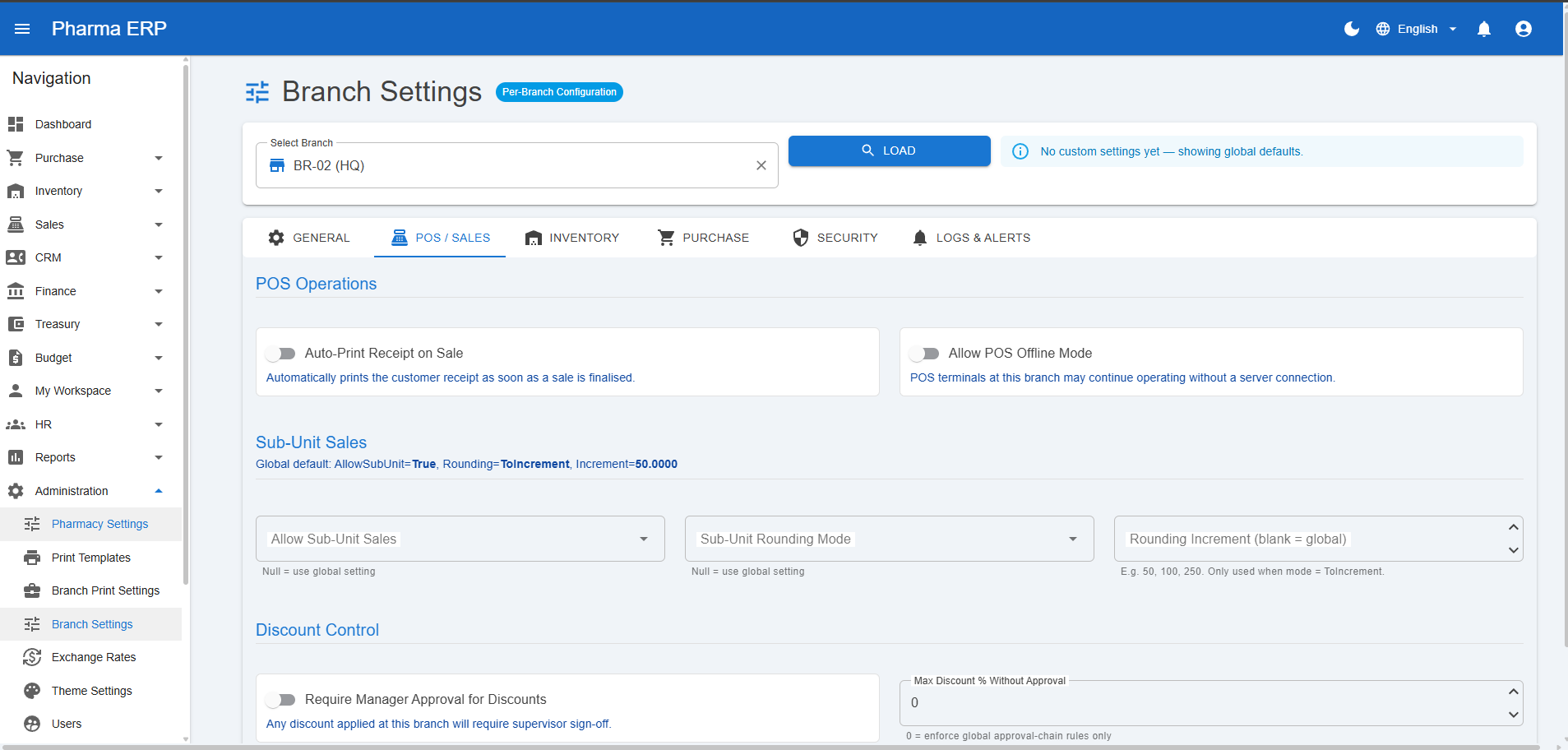
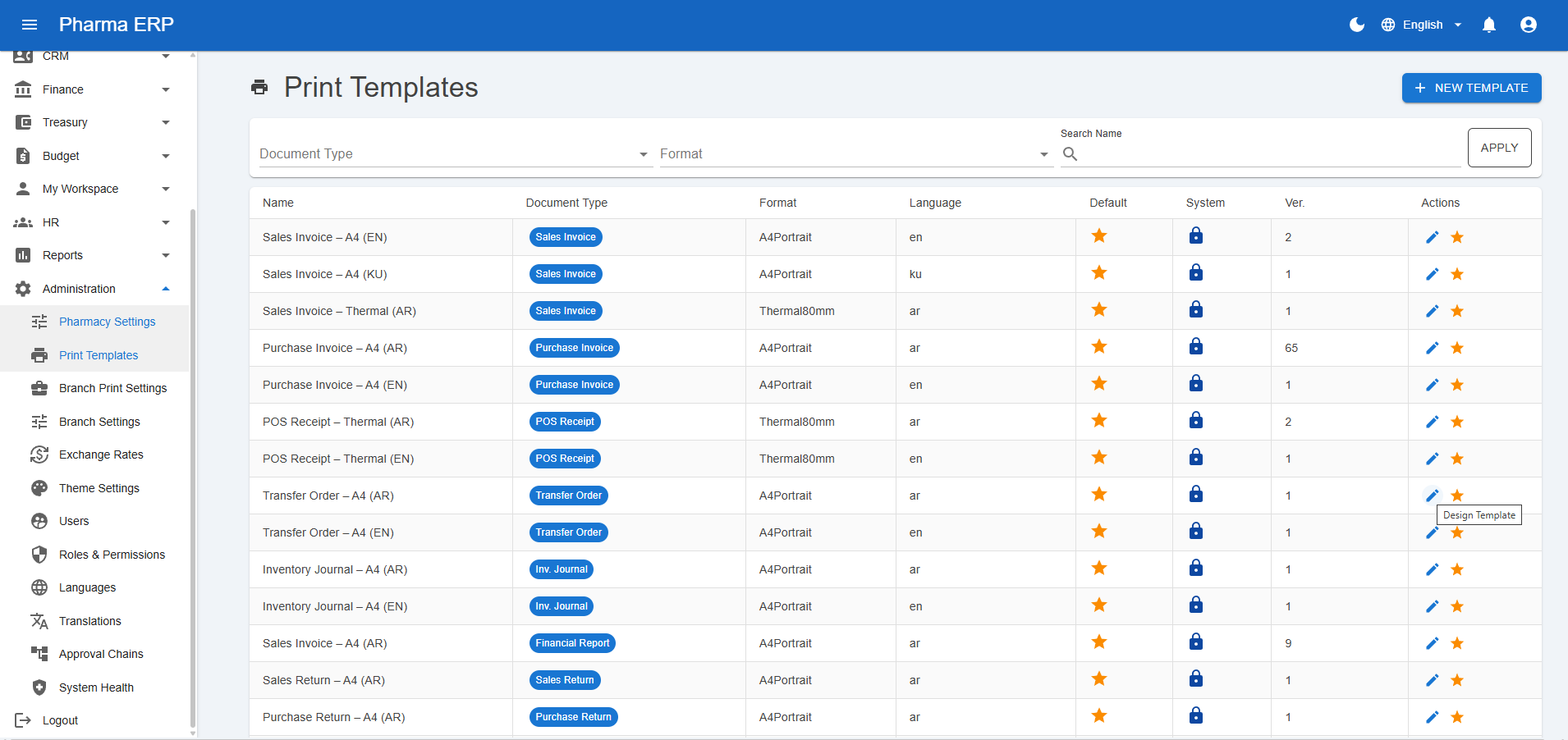
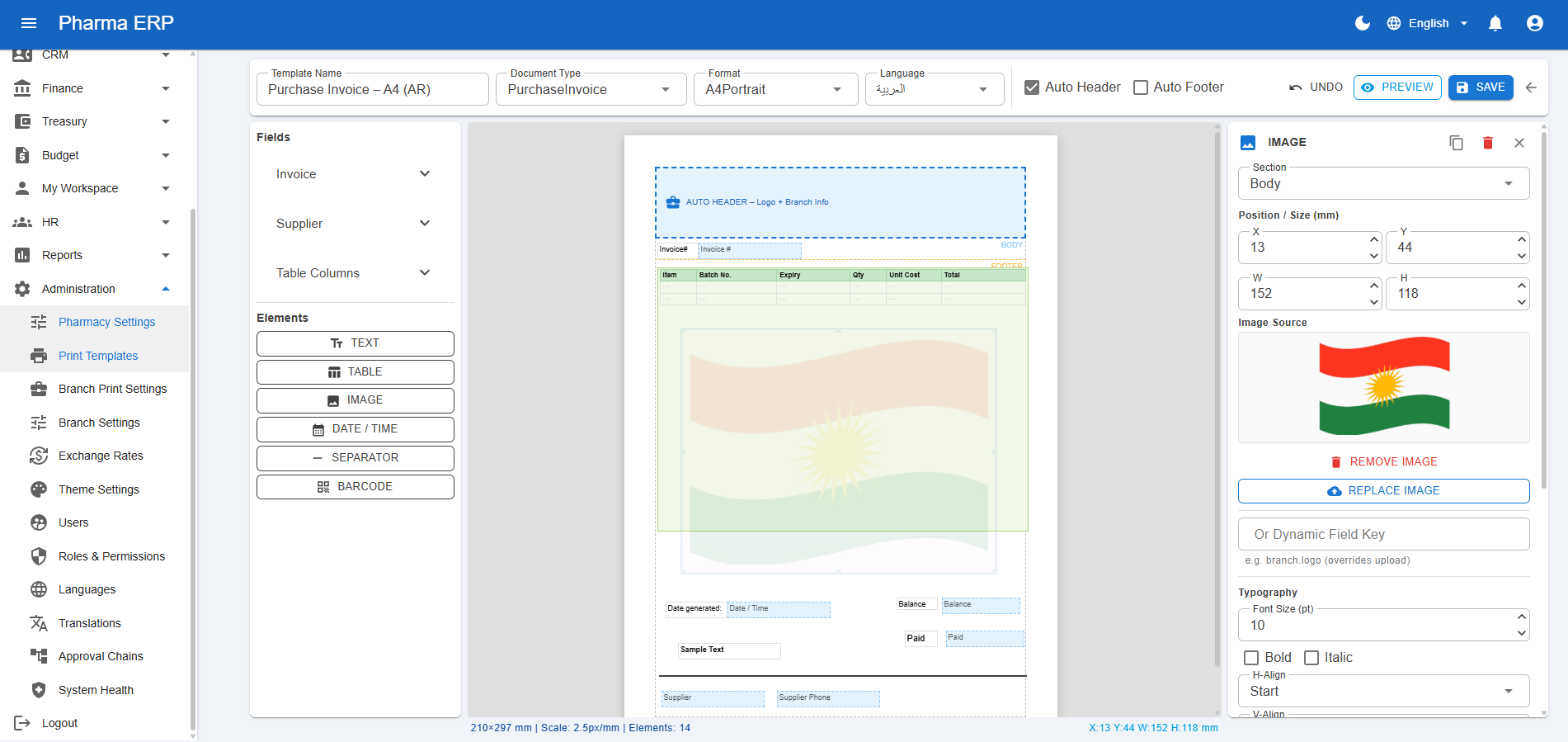
- Custom print template designer for A4 and thermal formats
- Branch-specific printer settings
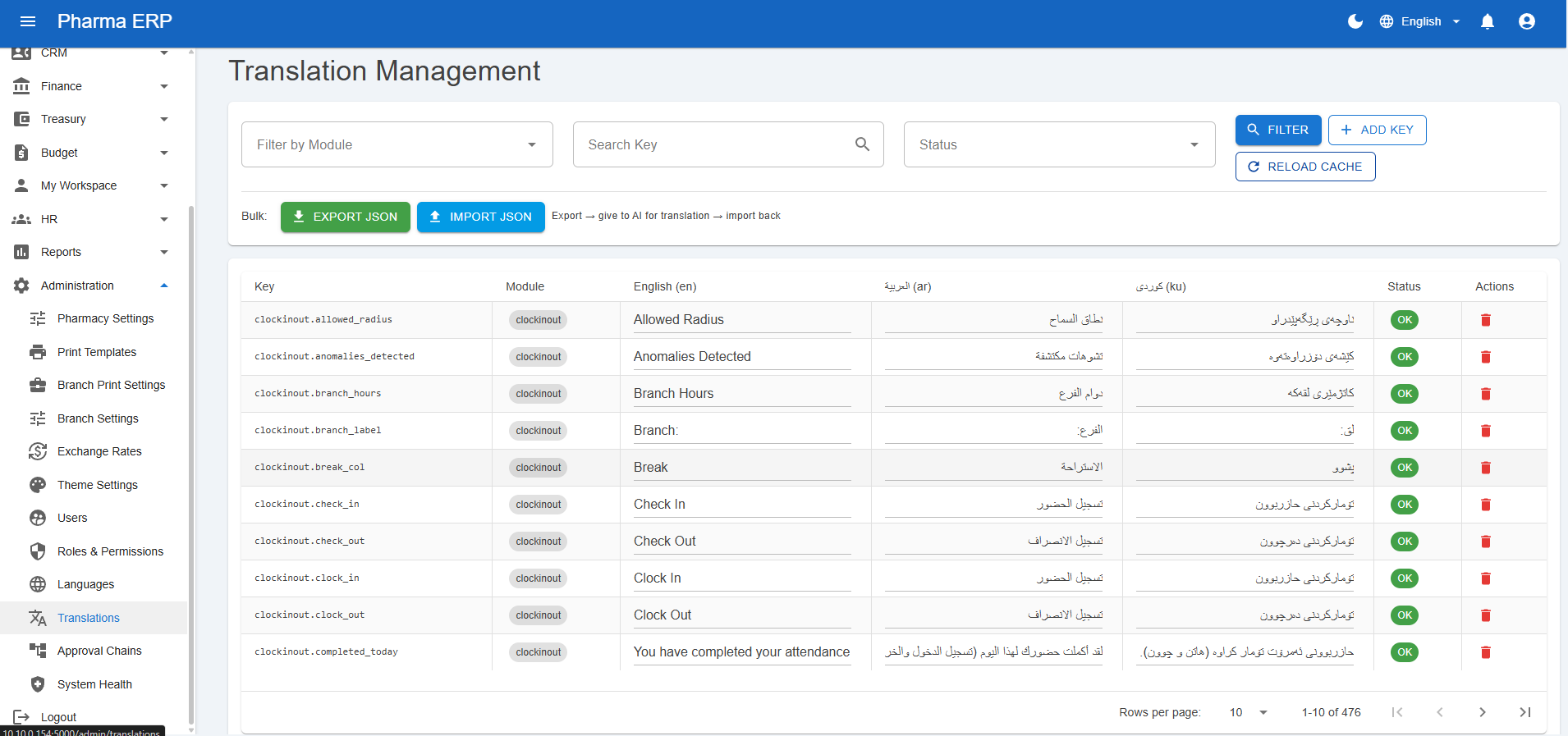
- Multilingual translation management
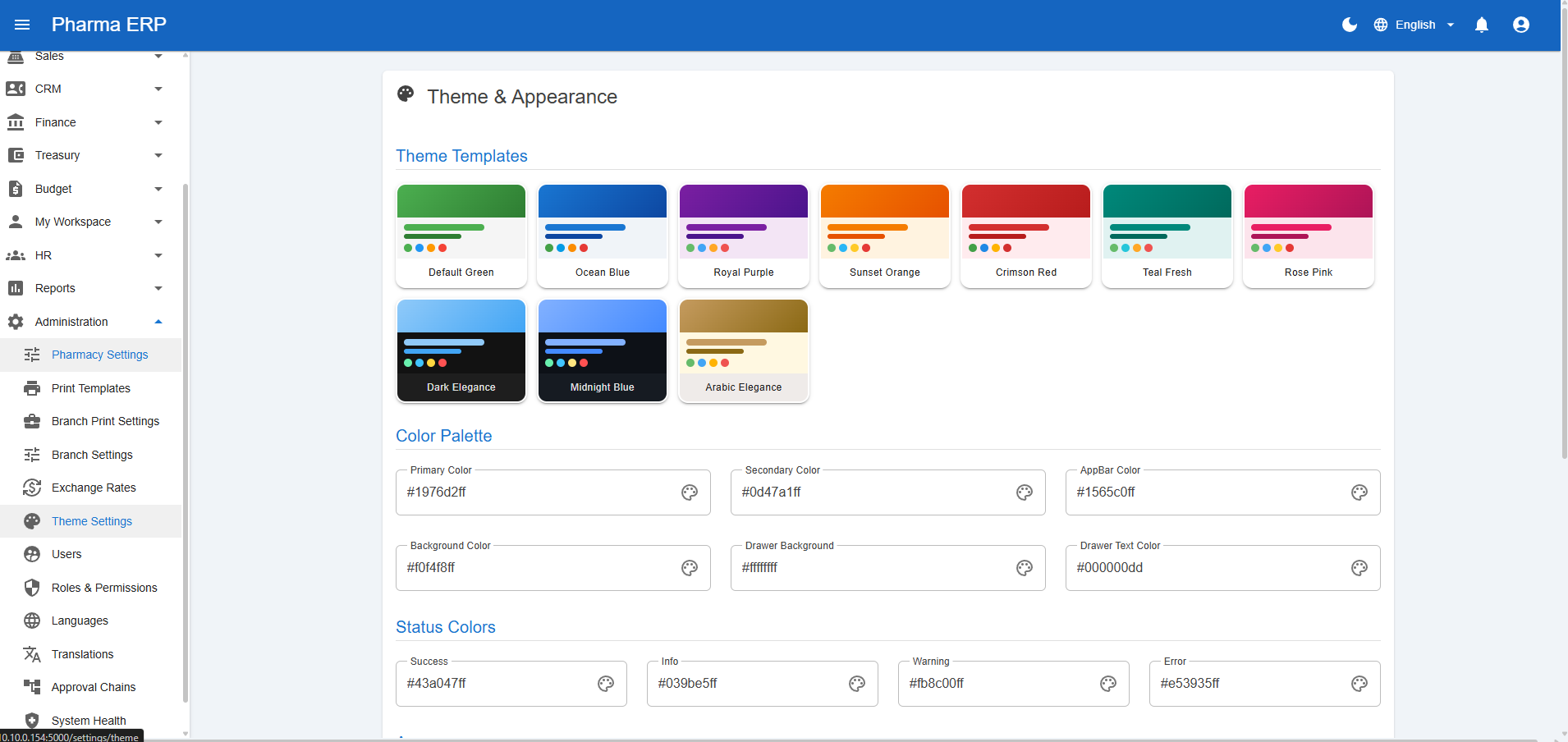
- Theme configuration per business preference
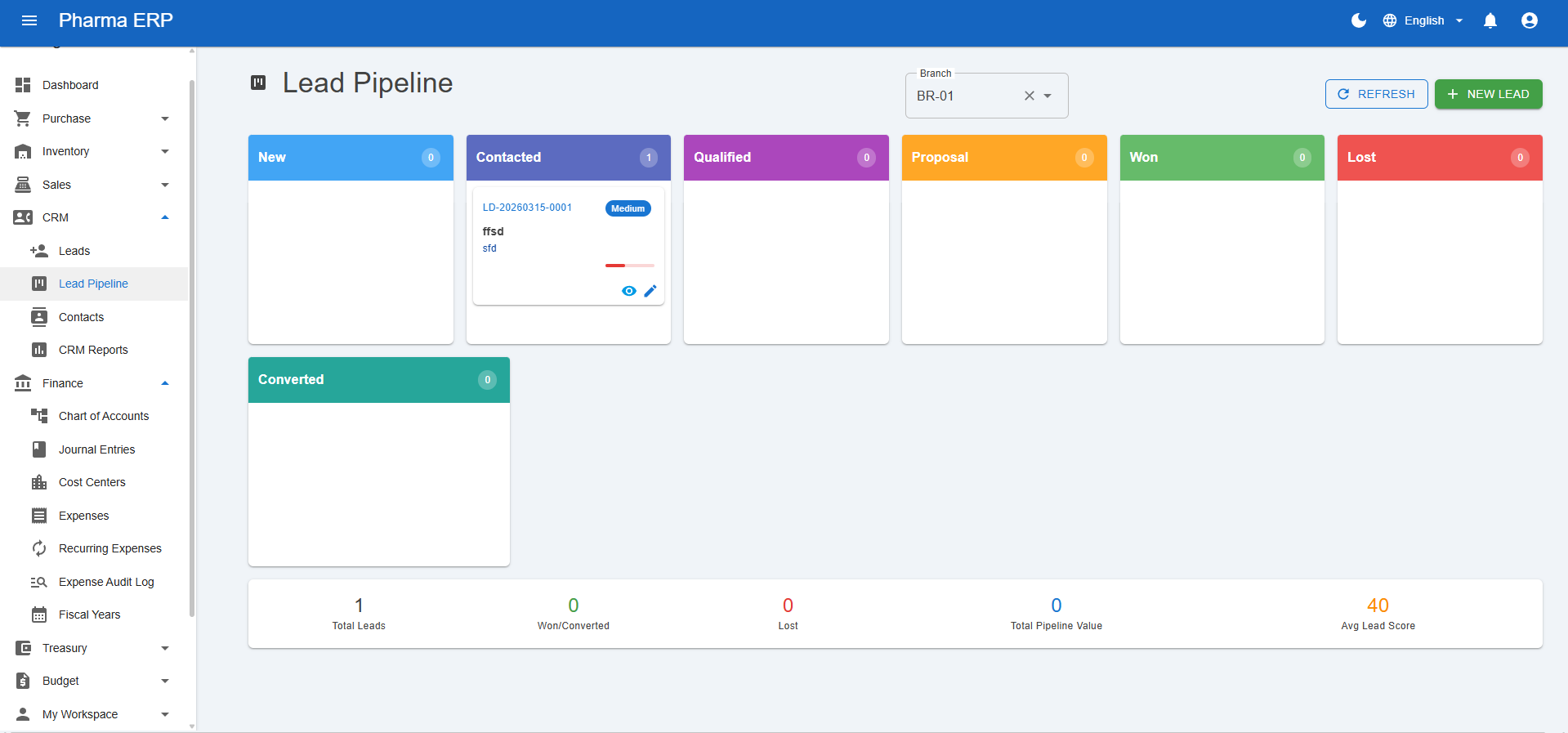
- CRM pipeline and reports connected to operations

Architecture And Technical Design
The system is built as a modular monolith on:
- ASP.NET Core Blazor Server on .NET 9
- Entity Framework Core
- SQL Server
- ASP.NET Core Identity
- MudBlazor UI components
Key architecture choices
- Repository plus Unit of Work structure for data access
- Permission-aware repository layer for automatic branch and warehouse filtering
- Soft-delete and audit-first entity design
- Dependency injection across business services
- Hosted background services for operational tasks
- Localization support for multilingual usage
- Thermal printing pipeline with queue-based print job handling
Advanced Capabilities
AI-assisted expense document processing
The expense workflow includes AI-based extraction from uploaded receipts and invoices, helping auto-fill amount, vendor, and reference data to reduce manual entry.
Operational printing
The system supports document rendering and thermal receipt workflows, including queued print jobs and branch-specific printer configurations.
Security by default
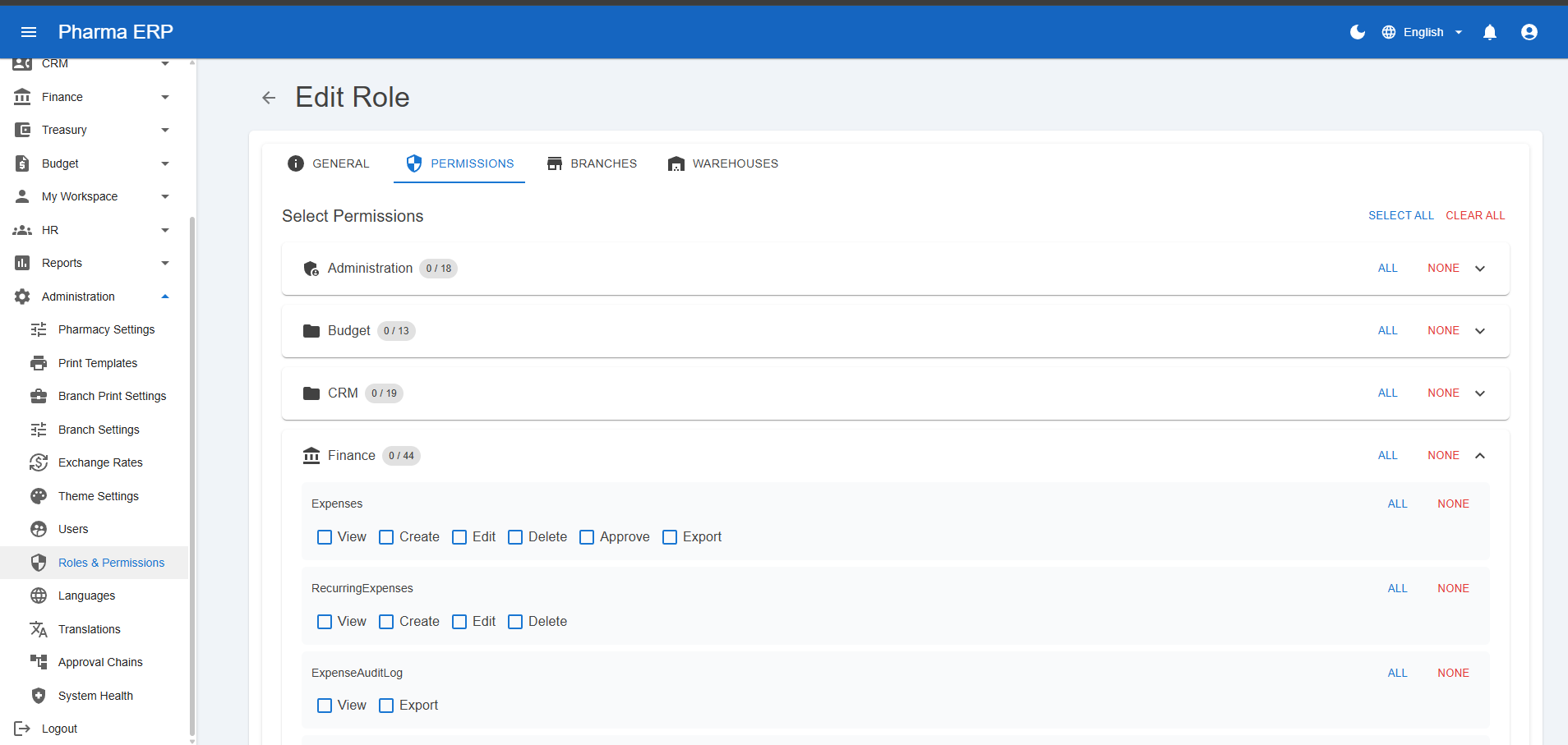
Access is not only role-based by page; data is also filtered by branch and warehouse permissions, which is essential for multi-entity operations.
Why This Project Matters
Most ERP demos stop at CRUD pages. This project focuses on operational reality:
- Multi-step business processes
- Accounting impacts
- Permission boundaries
- Branch-level governance
- Cross-module integration
It reflects how software should behave in production, where inventory, sales, finance, and approvals are tightly connected.
My Contribution And Learning Highlights
Through this build, I strengthened skills in:
- ERP domain modeling and workflow orchestration
- Designing secure, permission-aware data access
- Building maintainable service-driven architecture
- Integrating finance logic with operational modules
- Delivering practical UX for complex business teams